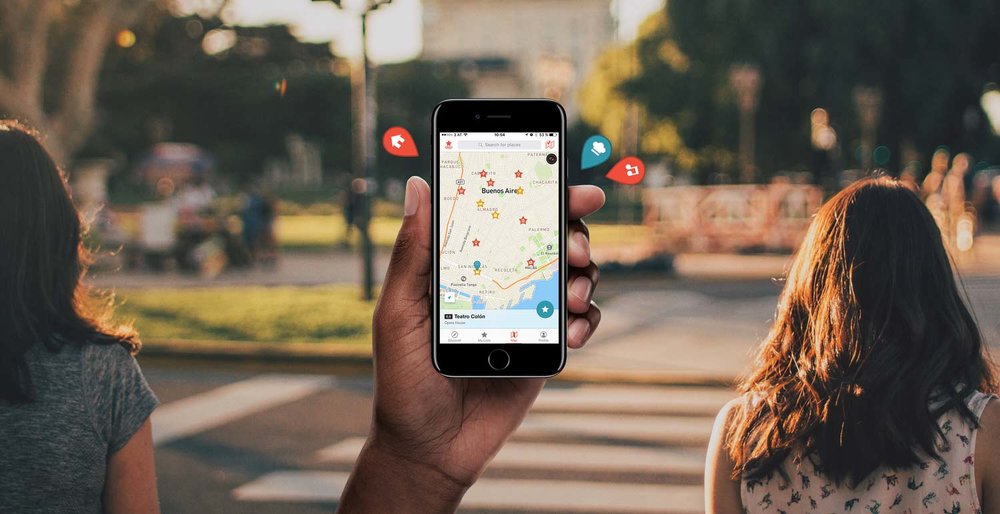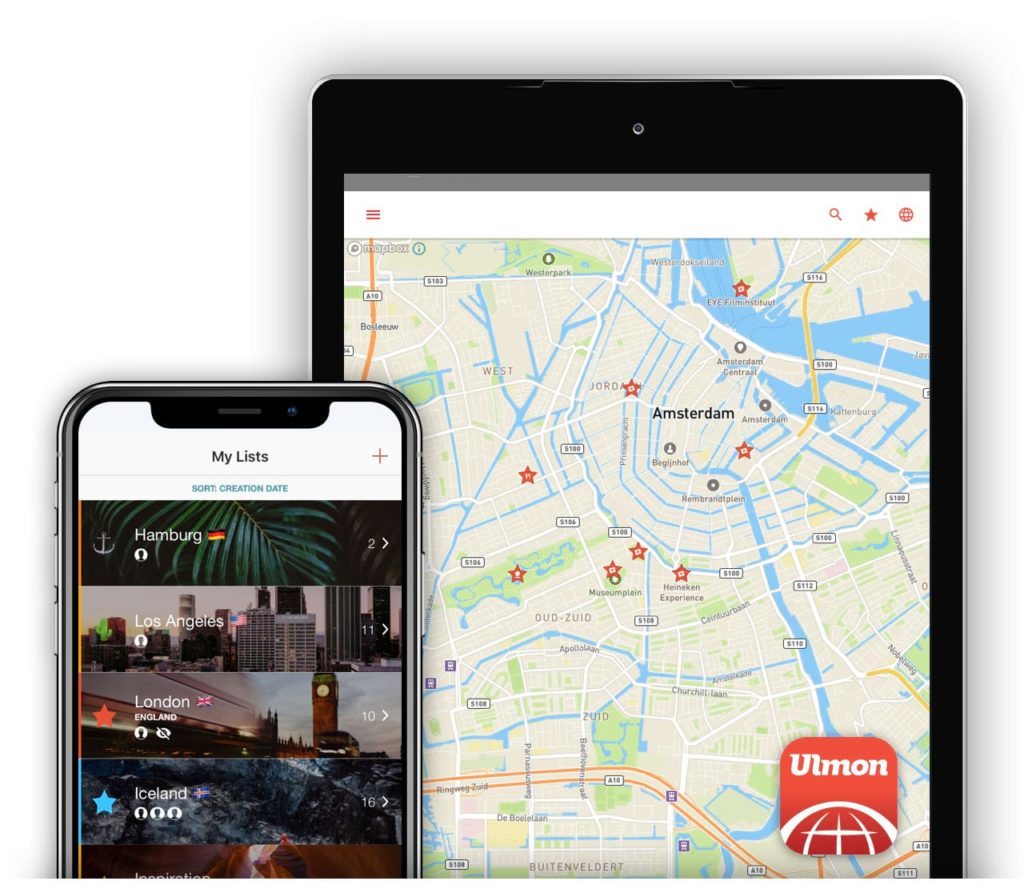
Ulmon Solutions is a mobile application development company, specialised on location-aware travel and navigation Apps with full off-line functionality.

Ulmon Solutions offers support to its users. Need an extra map for CityMaps 2Go? Have a question regarding functionality? Got a suggestion for additional features of Apps? Simply complete the form below and we will get back to you swiftly.

Also view our CityMaps 2Go FAQ and our CityGuides 2Go FAQ, for instant answers to the most common questions.

Your Name (required)

Your Email (required)

Subject

Your Message

CityMaps 2Go FAQ

Here is a list of the most frequently asked questions regarding CityMaps 2Go.
If you cannot find the answer to your question, feel free to send your request to our support team.

How many maps are included, when I purchase CityMaps 2Go?

You purchase the App once. You can then download any number of maps for free. There are no extra charges to download any of the over 1,500 cities. Here you can see the list of availabale maps.

"Locate me" does not work when roaming – what am I doing wrong?

First, make sure that you are using a device with build in GPS. Currently the iPhone 3G, 3GS, iPhone 4 and the iPad 3G have build in GPS.
All current Apple devices support assisted GPS that means that the GPS is slower in aquiring a signal when there is no Internet connection which is the case if you are in a roaming environment. Especially the first time you try to locate in a new city the GPS may take several minutes and you may try several times to aquire a location.
Since GPS uses satellites you need to have free view to the sky. It will not work indoors.
DO NOT turn on flight mode, since GPS is turned off in flight mode. If you want to prevent data roaming use the "Data Roaming" switch of your iPhone (look in: Settings >> General >> Network).

How do I drop a custom pin on the map?

Hold down your finger on the map for 2 seconds. A pin which you can rename and move around will appear.

Are there really no roaming charges?

Once you are done loading your maps to your device, CityMaps 2Go does not need any Internet access.
Please make sure that your data roaming is turned off, since the locate me feature of the iPhone will try to connect to the Internet for locating you! We have no influence on that. Use the "Data Roaming" switch of your iPhone (look in: Settings >> General >> Network).

I can‘t download maps – what am I doing wrong?

Make sure you are connected to WiFi (wireless LAN). This is required to download the maps, since they contain a substantial amount of data. Apple won‘t allow Apps to download data packages larger than 10MB via the mobile network.

What is the quality of map data in CityMaps 2Go?

We use OpenStreetMap data in our App, the Wikipedia of maps. You can preview the map quality here: www.openstreetmap.org

CityGuides 2Go FAQ

Here is a list of the most frequently asked questions regarding the CityGuides 2Go Apps.
If you cannot find the answer to your question, feel free to send your request to our support team.

"Locate me" does not work when roaming – what am I doing wrong?

First, make sure that you are using a device with build in GPS. Currently the iPhone 3G, 3GS, iPhone 4 and the iPad 3G have build in GPS.
All current Apple devices support assisted GPS that means that the GPS is slower in aquiring a signal when there is no Internet connection which is the case if you are in a roaming environment. Especially the first time you try to locate in a new city the GPS may take several minutes and you may try several times to aquire a location.
Since GPS uses satellites you need to have free view to the sky. It will not work indoors.
DO NOT turn on flight mode, since GPS is turned off in flight mode. If you want to prevent data roaming use the "Data Roaming" switch of your iPhone (look in: Settings >> General >> Network).

How do I drop a custom pin on the map?

Hold down your finger on the map for 2 seconds. A pin which you can rename and move around will appear.

Are there really no roaming charges?

As soon as the App is loaded to your iPhone or iPhod Touch, CityGuides 2Go does not need any Internet access.
Please make sure that your data roaming is turned off, since the locate me feature of the iPhone will try to connect to the Internet for locating you! We have no influence on that. Use the "Data Roaming" switch of your iPhone (look in: Settings >> General >> Network).

Does the Guide include information on Bars, Clubs, or Events?

Guides contain many POI (point of interest), including data from openstreetmap about places to eat and drink (restaurants, fast food, bars, cafés, etc.).
Bear in mind though, that due to its off-line nature, Guides don't deliver any user restaurant recommendations or live updates of current events.

Sign up for the Ulmon Newsletter. You will receive exciting information about products, innovations and promotions. Don't miss it!